Understanding AI Art Generators
Artificial intelligence has revolutionized numerous fields, and the art world is no exception. Today, AI art generators are becoming increasingly popular, allowing artists and hobbyists alike to create unique pieces of artwork with just a few keystrokes. Whether you're a seasoned professional or a curious novice, understanding how to use these tools effectively can unlock a new realm of creative possibilities. In this article, we’ll explore the ins and outs of AI art generators, from their functionalities to their applications in modern art creation. If you're looking for guides and resources on how to use an AI art generator, you’ve come to the right place.
What is an AI Art Generator?
An AI art generator is a software application that uses artificial intelligence and machine learning algorithms to create images based on user inputs. These inputs typically take the form of text prompts, which guide the AI in producing artwork that reflects the user's vision. This technology leverages vast datasets of existing images and styles, allowing the generator to blend elements creatively and produce original artworks.
How AI Art Generators Work
AI art generators operate using various techniques and architectures, with the most common ones being Generative Adversarial Networks (GANs) and neural networks. Here’s a closer look at how these tools function:
- Data Training: The AI is trained on a large dataset of images, learning to recognize patterns, styles, and elements common in artwork.
- Input Processing: Users input specific prompts or instructions, which the AI interprets to generate corresponding images.
- Image Generation: The AI creates images by combining learned elements from its training data, often producing styles or themes aligned with the prompt.
- Feedback Loop: Some advanced systems allow for user feedback, where the AI learns and improves from user inputs over time.
Benefits of Using AI for Art Creation
Utilizing AI art generators offers several advantages for artists and creators:
- Speed: Generate artwork in minutes that would take hours or days for traditional methods.
- Accessibility: Anyone can create art, even without formal training or artistic skills.
- Experimentation: Quickly produce variations of a concept, allowing for greater creativity and exploration.
- Cost-effectiveness: Reduces the need for expensive software and materials associated with traditional art creation.
Getting Started with AI Art Generators
As you embark on your journey of creating art through AI, selecting the right tool is crucial for your artistic goals. There are numerous platforms available, each with unique features and capabilities.
Choosing the Right AI Art Generator Tool
When selecting an AI art generator, consider the following factors:
- User Interface: Choose a platform that is easy to navigate and user-friendly.
- Style Options: Look for a tool that offers a diverse range of styles and artistic filters.
- Customization Features: Some tools allow for greater control over the output, giving you the ability to refine and adjust the images.
- Cost: Many platforms offer free trials or basic versions, while more advanced features may require a subscription.
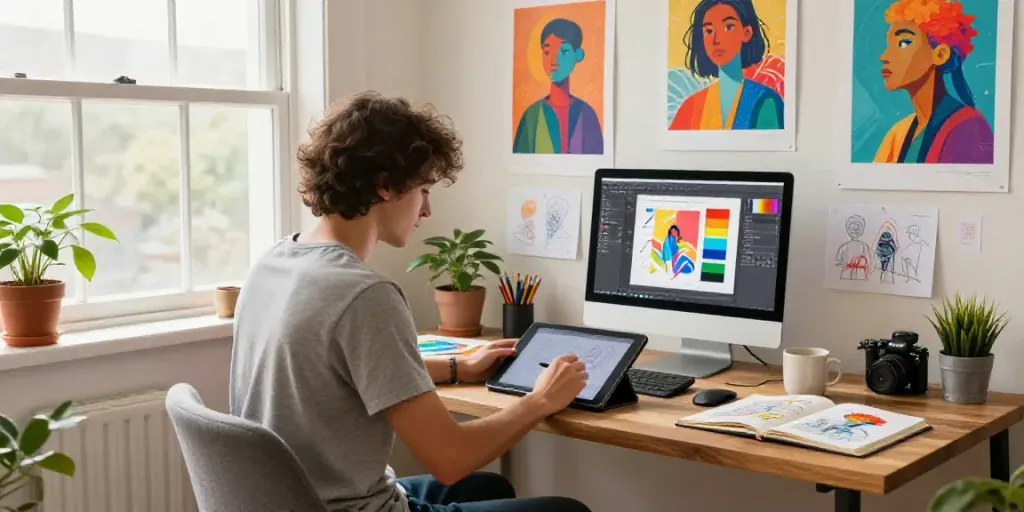
Setting Up Your Workspace
To facilitate your creative process, ensure that your workspace is conducive to experimentation with AI art generation:
- Hardware: Ensure you have a reliable computer or tablet with sufficient processing power for rapid image generation.
- Software Installation: Follow the installation instructions for the chosen AI art generator, ensuring any necessary updates are installed.
- Inspiration Board: Create a collection of reference images and ideas that inspire you, which can help shape your prompts.
Best Practices for Art Prompts
The prompts you provide to the AI are crucial in determining the quality and relevance of the generated artwork. Here are tips to optimize your prompts:
- Be Specific: Instead of vague instructions, provide detailed descriptions of what you envision.
- Use Contextual Keywords: Incorporate elements like color, style, mood, and subject matter to guide the AI effectively.
- Iterate: Don’t hesitate to refine your prompts based on output results; sometimes, slight adjustments can lead to vastly improved images.